
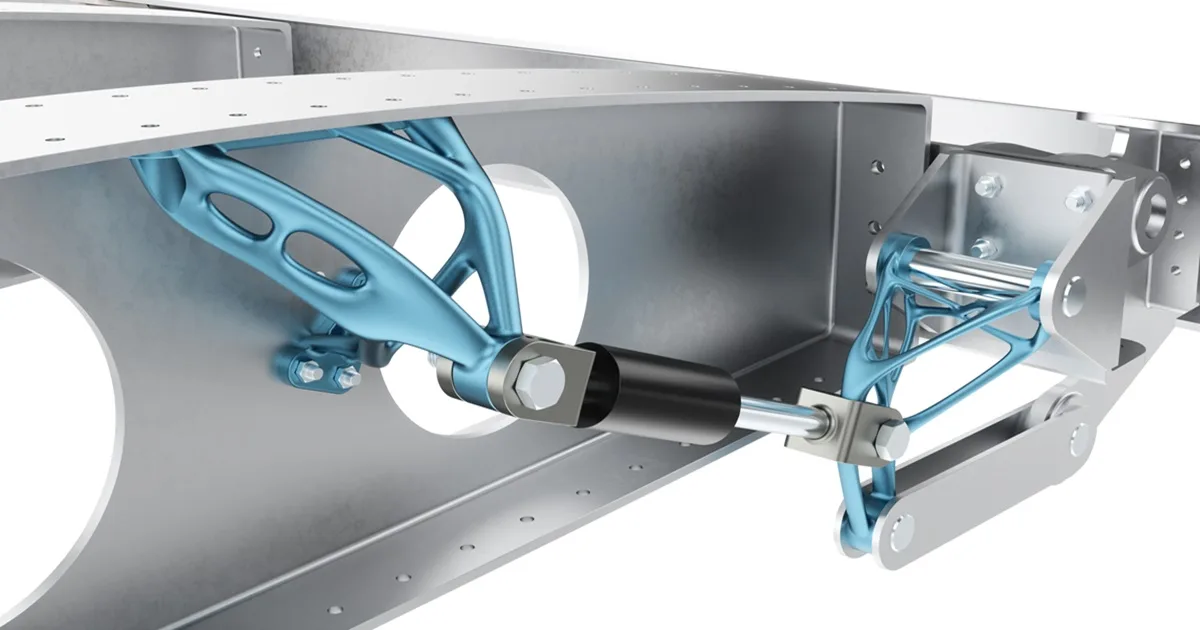
Structural design
Simcenter Inspire (formerly Altair Inspire): topology optimization and structural analysis
Define the design space, the loads and the supports, and let the optimization show you where material is needed and where it is not. Modeling, structural analysis and optimization in one CAD-like environment, built for the people who design the part. We license it and roll it out in Mexico, with training in Spanish.
Simulation-driven design
Material where it is needed first, then the shape
The usual loop is to draw the part, send it off for analysis and fix it if it fails. Topology optimization flips that order: you start from a design volume with its loads and supports, and the simulation shows you which material is working and which can go.
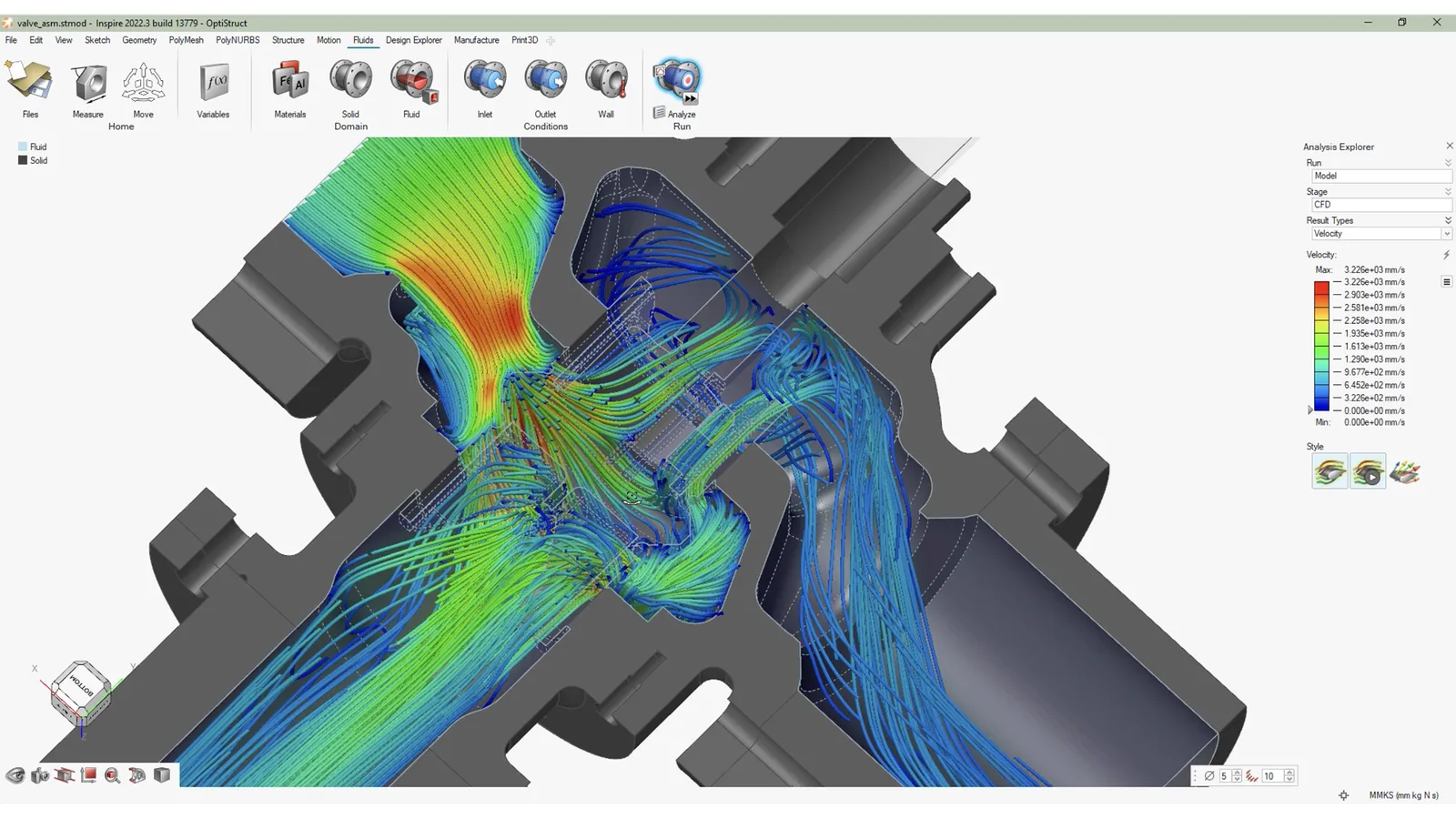
Simcenter Inspire brings modeling—solids, organic PolyNURBS surfaces, facets and implicit geometry—together with structural, motion and fluid analysis in a CAD-like environment, with embedded solvers that eliminate or automate meshing. The same tool covers manufacturability assessment.
Use cases
What you can solve with it
When designing industrial parts, these are the structural questions that come up again and again:
Lightweighting a bracket or a housing
Mark the design space, the loads and the supports, and topology optimization removes the material that is not doing any work. What is left is the shape that actually carries the part.
Optimizing with manufacturing in mind
Shape controls such as symmetry, minimum thickness and draw direction keep the proposal releasable from the die, instead of an organic shape nobody can cast or machine.
Maximum stiffness or minimum mass
Ask for the stiffest part at a given mass target, or the lightest part that stays within a stress limit or safety factor, and compare shapes with more or less material.
Validating the shape before it goes to production
The optimized geometry is rebuilt with smooth PolyNURBS surfaces and analyzed again in the same environment to check stresses and displacements.
Who it is for
- Product engineering teams designing brackets, housings or cast parts that need to lose weight.
- Designers who need to validate a part without relying on a finite element specialist.
- Foundries that receive parts from their customers and want to propose design changes backed by results.
How we roll it out
We deliver the license with start-up and training in Spanish done on one of your own parts, not a textbook example: design space, loads, shape controls and reading the results. The tool is learned quickly; the judgment on what material to remove is something we walk you through.
Take a look at the consulting and the training that go with the software.
A lighter part still has to cast well
Simcenter Inspire tells you where material is needed. If the part is coming out of a casting die, the next step is knowing how it fills and solidifies: that is what Simcenter Inspire Cast, our flagship product, is for. And if what needs validating is a complete assembly, see Simcenter Simsolid.
Or go back to the software catalog to see the rest of the tools.