
Foaming simulation software
Simcenter Inspire Polyfoam (formerly Altair Inspire PolyFoam): polyurethane foaming
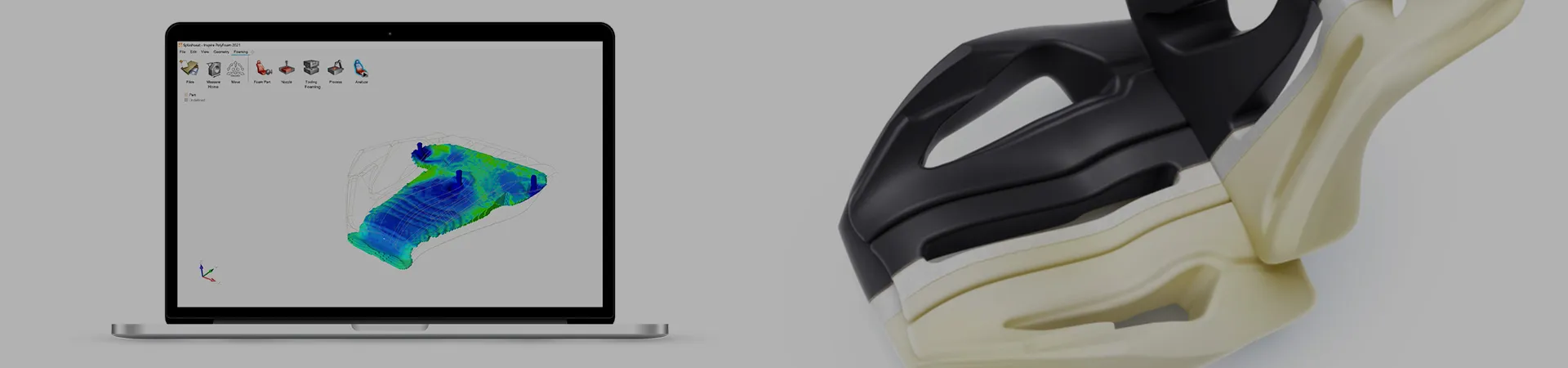
Simulate how polyurethane foam is injected, fills, rises, cures and cools inside the mold, and find air traps or porosity before the mold is built. For flexible, semi-rigid and rigid foam: seats, molded parts and insulation panels. We distribute it and roll it out with training in Spanish, for plants in Mexico.
Before the mold is built
Foam rises where you cannot see it: the simulation shows you
In polyurethane foaming, problems tend to show up once the mold already exists: air left in a corner, porous zones, a weld line where two foam fronts meet, or a part that never quite fills. Fixing that through mold trials costs material, scrap and tooling rework.
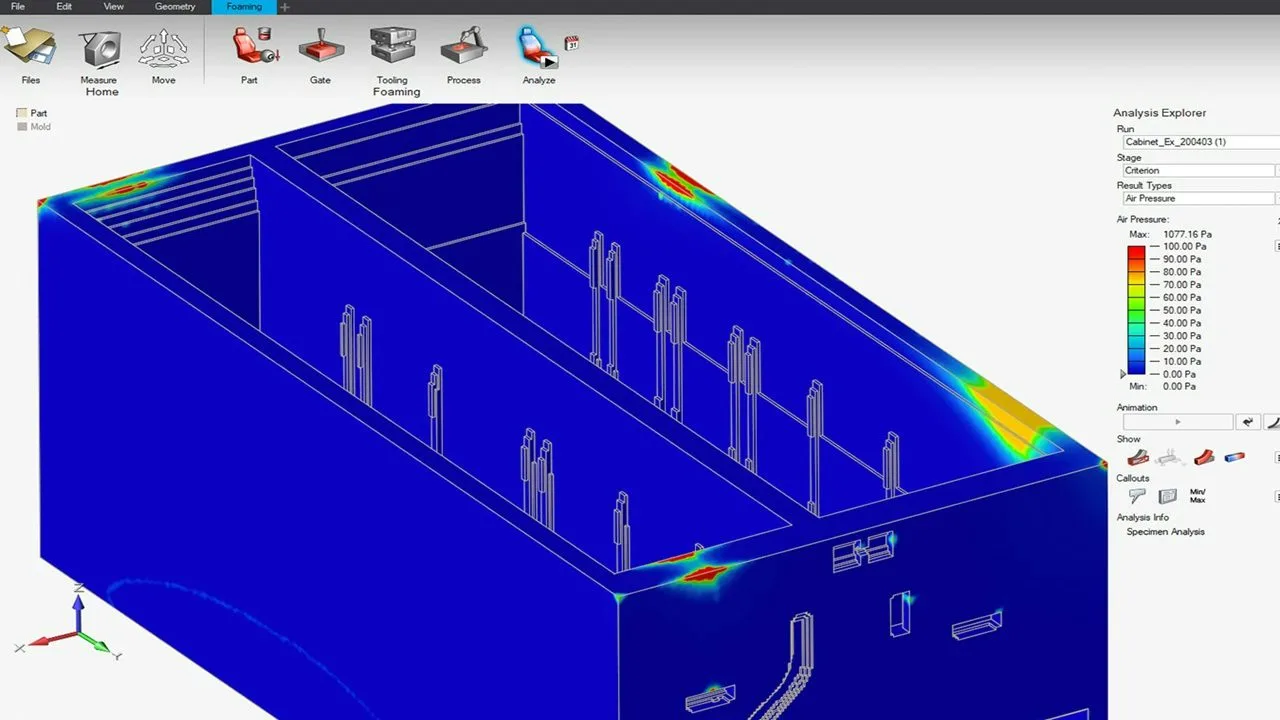
Simcenter Inspire Polyfoam walks you through setup in five steps: import the CAD and define the part, place the nozzle and its path, define the mold with its Velcro, inserts, guiders and vents, set the material and process parameters, and run. The simulation shows how the foam advances through the cavity, with temperature, pressure, density and velocity at any point, and it accounts for the chemical reactions of the polyurethane.
Use cases
What you can solve with it
On a foaming line, the decisions that save the most scrap and mold trials are usually these:
Air traps and venting
See which corners of the cavity trap air and try out where to put the vents, or how far to tilt the mold, before making a single change to the tooling.
Nozzles, pour paths and flow rate
Compare fixed, moving or sequential nozzles, the injection direction and the flow rate of each pour so the foam reaches the whole part without stretching the cycle.
Several foams in one mold
Inject more than one foam into the same mold at once, as in seats that combine zones of different firmness, and see how the two flow fronts meet.
Porosity, shrinkage and weld lines
Catch the typical foaming defects at the design stage and fix the part or the process while it is still cheap, instead of finding them during mold trials.
Who it is for
- Manufacturers of seats, headrests and other flexible molded foam parts for automotive interiors.
- Plants producing rigid polyurethane foam panels and insulating parts.
- Foam mold shops that want to validate vents, inserts and nozzles before delivery.
How we roll it out
We deliver the license with start-up and an initial training session in Spanish done on a part of yours, not on a textbook example. The first step is getting the material right: the software ships with a foam database and a pouring cup test to characterize yours, and we walk you through that start.
Take a look at the consulting and the training that go with the software.
One tool per process, within the same family
Inspire Polyfoam covers polyurethane foaming. If your plant also runs die cast metal parts, the tool for filling and solidification is Simcenter Inspire Cast, our flagship product.
Go back to the software catalog to see the rest of the simulation tools we distribute.