
Metal extrusion simulation software
Simcenter Inspire Extrude Metal: extrusion dies validated before the press
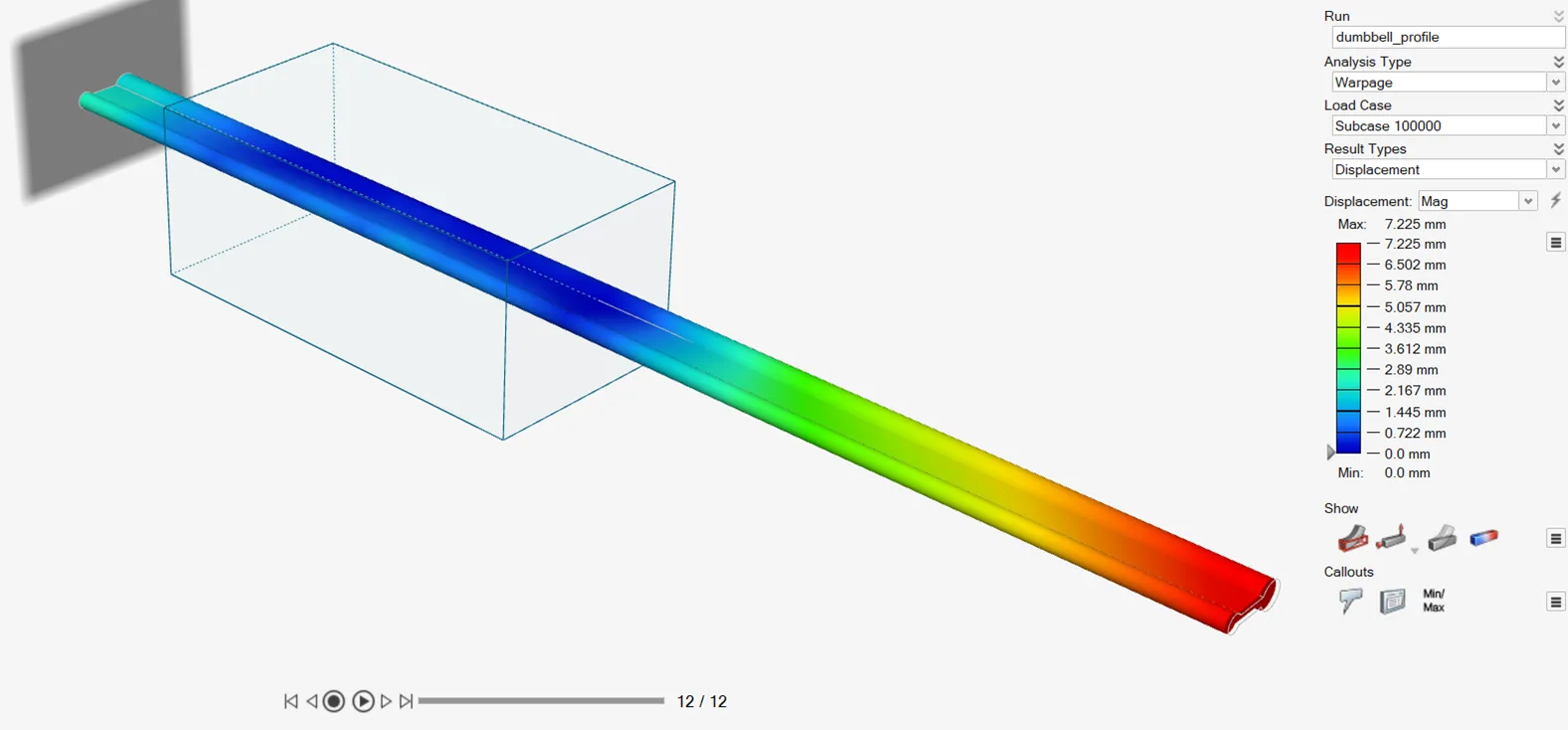
Simcenter Inspire Extrude Metal (formerly Altair Inspire Extrude Metal) shows you how the metal flows through the die, how hot the profile runs and how much the tooling deflects, straight from CAD and without manual meshing. We distribute it and roll it out in Mexico, with training in Spanish on one of your own dies.
Virtual press
Die trials should not have to happen on the press
A new die usually reaches the press without anyone being quite sure how the profile will come out. If one section runs faster than another, if the profile twists or the surface shows marks, you find out with real billets, press hours and metal that ends up as scrap; and the correction goes back through the die shop.
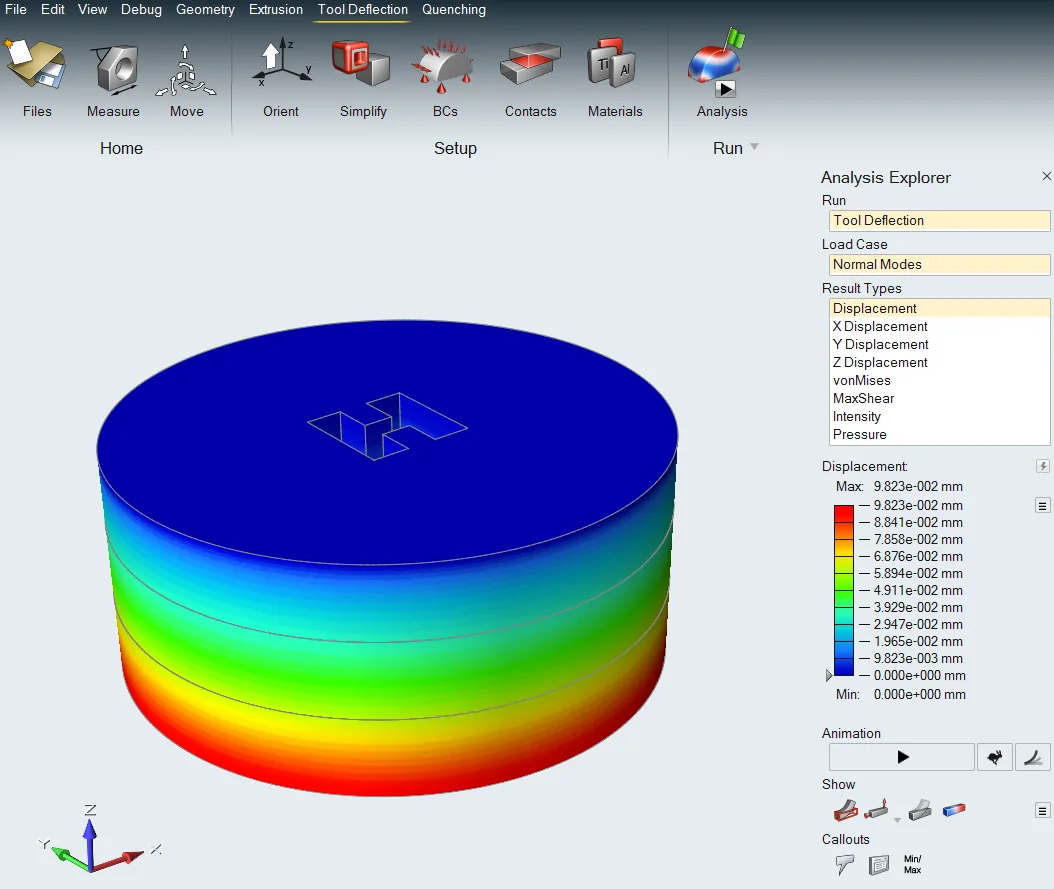
With Simcenter Inspire Extrude Metal that trial happens first. You de-feature the CAD inside the tool, meshing and boundary conditions are generated in the background, and the simulation gives you material flow, temperatures, pressures and forces, and tool deflection. Extrusion, tool deflection and profile quenching are covered in the same environment.
Use cases
What you can solve with it
In an extrusion plant, the questions that move the most money revolve around the die and the profile that comes out of it:
Profile defects before the die is cut
Profile distortion, bad seam or charge welds, backend contamination, poor grain size, overheating or poor surface quality: the simulation flags them while the die is still a CAD file.
Flow balance and bearing lengths
See how fast each section of the profile exits and correct the die with automatic bearing optimization, instead of tweaking it by hand on the press, trial after trial.
Tool deflection and stresses
Extrusion loads are applied to the die and its tooling to calculate how much they deflect and what stresses they carry, with elastic or elasto-plastic behavior.
Charge weld scrap and quenching
Calculate the transverse weld length between billets to keep scrap in check, and predict the cooling rate of the profile in the quench at the press exit.
Who it is for
- Aluminum extruders that design their own dies or validate them before ordering.
- Extrusion die shops that want to deliver a design already proven on a virtual press.
- Process engineering teams looking to cut press trials and scrap on new or complex profiles.
How we roll it out
We deliver the license with start-up and an initial training session in Spanish, done on one of your own dies and profiles, not on a textbook example. The tool is built to be used by die and process engineers, not only by simulation specialists; the judgment to read the results is something we walk you through.
Take a look at the consulting and the training that go with the software.
One tool for each process in your plant
Inspire Extrude Metal takes care of the extrusion die. If you also cast parts—porosity, trapped air, ribs that will not fill—the tool is Simcenter Inspire Cast, our flagship product.
Go back to the software catalog to see the rest of the Simcenter Inspire family.